














Photo Presets
14 Lightroom presets for mountains, lakes, coast and golden hour. Mobile and desktop, in one pack.
Built on real shoots, not test charts. Every preset ships in both formats so your phone and your laptop give the exact same look.
- Blue Hour · Evening Swim · Lake Dusk · Lake Dusk Light · Midday Trail Cool · Moonlit · Mountain Sunrise · Mt Baker Alpine · Rockies Alpenglow · Storm Front · Summit Gold · Tofino Fog · Tone Fields · Warm Ridge
- Lightroom Mobile (.dng) + Lightroom Desktop / Classic (.xmp)
- Step-by-step install PDFs for both
- Free updates to this pack
Shoot video too? The Creator Bundle adds all 15 cinematic LUTs for less than buying both. Instant download · digital goods, all sales final.
Frequently bought together


How I shoot and grade on a phone and a mirrorless, start to finish. Join the list and get it first.
One pack.
Every format you edit in.
14 presets, two formats
.dng for the free Lightroom Mobile app on iPhone and Android, .xmp for Lightroom desktop and Lightroom Classic. Same look on both.
Built on real shoots
Blue Hour, Evening Swim, Lake Dusk, Lake Dusk Light, Midday Trail Cool, Moonlit, Mountain Sunrise, Mt Baker Alpine, Rockies Alpenglow, Storm Front, Summit Gold, Tofino Fog, Tone Fields, Warm Ridge.
Install in 60 seconds
A one-page PDF for mobile and one for desktop. No plugins, no subscription beyond Lightroom itself.
Free updates
When a preset gets a tweak, the new file lands in your downloads.
Take 10% off right now.
Drop your email and the 10% code appears right here, ready to apply at checkout.
Photo presets for your signature look
Fourteen presets built on real shoots, so every photo in your grid feels like it came from the same person.
Edit your photos from anywhere
Every preset ships as a .dng for the free Lightroom mobile app and an .xmp for Lightroom desktop. Same look on your phone and your laptop.
Get all 14 presets ORIGINAL
 SUMMIT GOLD
 BLUE HOUR
 TOFINO FOG
14 looks. Drag any of them.
Same photo, same crop, nothing but the preset. Left is straight out of camera, right is one tap in Lightroom.
 ORIGINALBLUE HOUR
Blue Hour01GET THIS LOOK →
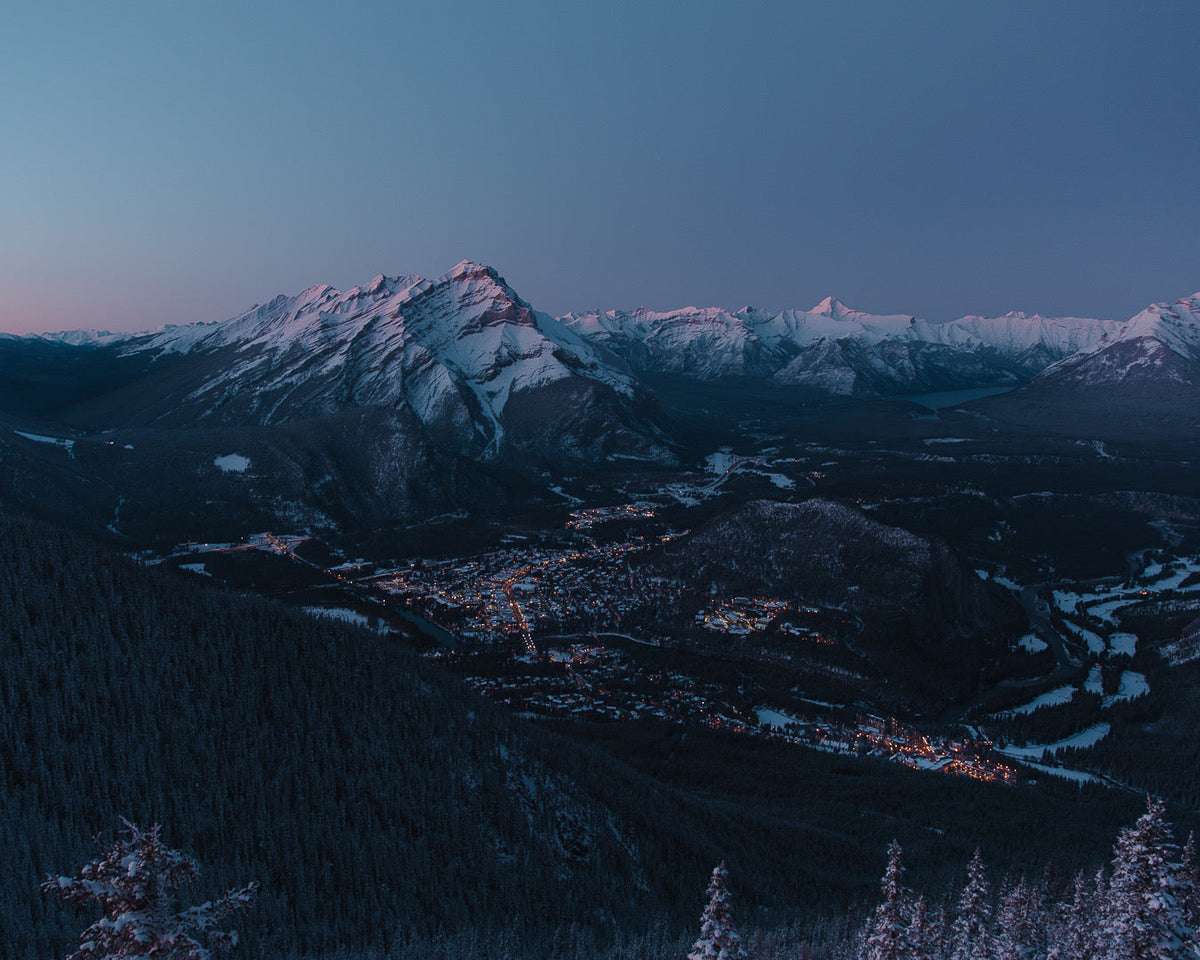
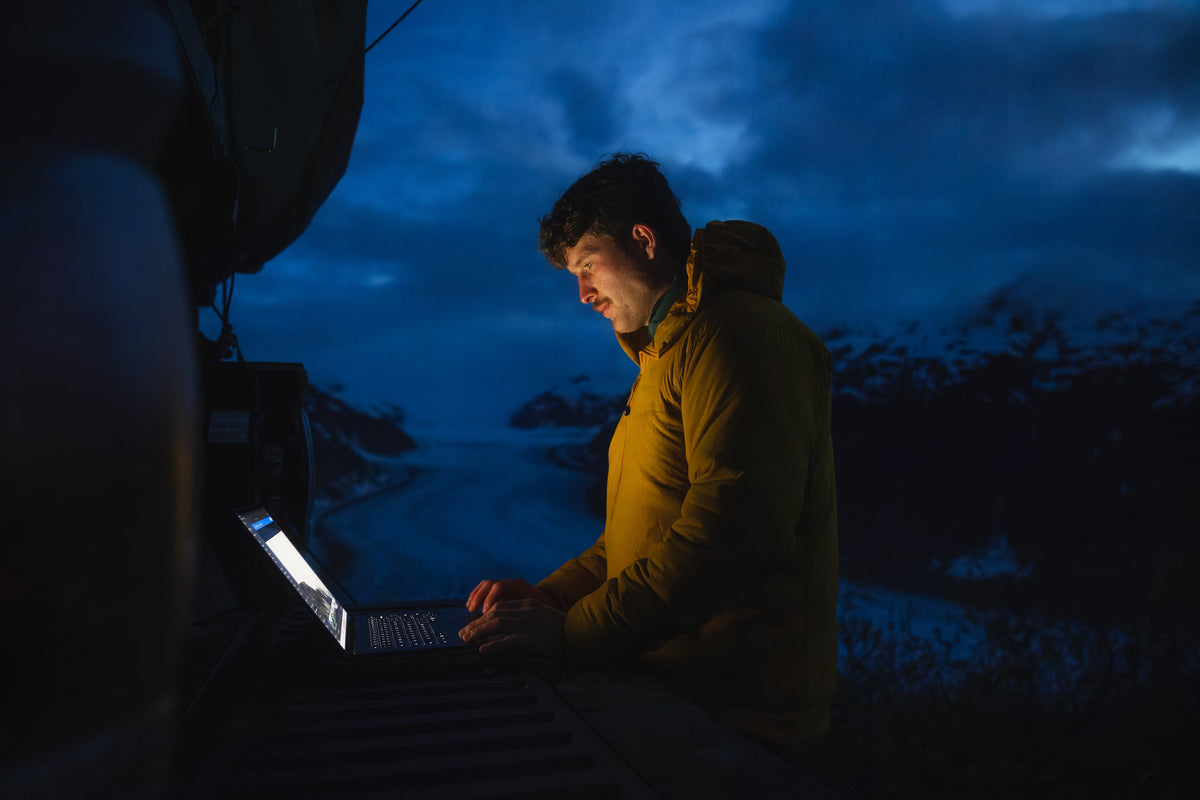
Cool, dusky blues with the highlights held back. Last light on water and snow.
 ORIGINALEVENING SWIM
Evening Swim02GET THIS LOOK →
Warm and soft, skin stays natural. Golden hour by the lake.
 ORIGINALLAKE DUSK
Lake Dusk03GET THIS LOOK →
Muted, calm, slightly desaturated. Overcast and still water.
 ORIGINALLAKE DUSK LIGHT
Lake Dusk Light04GET THIS LOOK →
Lake Dusk with more lift. For darker frames that need air.
 ORIGINALMIDDAY TRAIL COOL
Midday Trail Cool05GET THIS LOOK →
Crisp and cool for harsh midday light on the trail.

 ORIGINALMOUNTAIN SUNRISE
Mountain Sunrise07GET THIS LOOK →
Clean golden warmth without the orange cast. First light on peaks.
 ORIGINALMT BAKER ALPINE
Mt Baker Alpine08GET THIS LOOK →
Natural and punchy. Blue sky days, snow, bright jackets.
 ORIGINALROCKIES ALPENGLOW
Rockies Alpenglow09GET THIS LOOK →
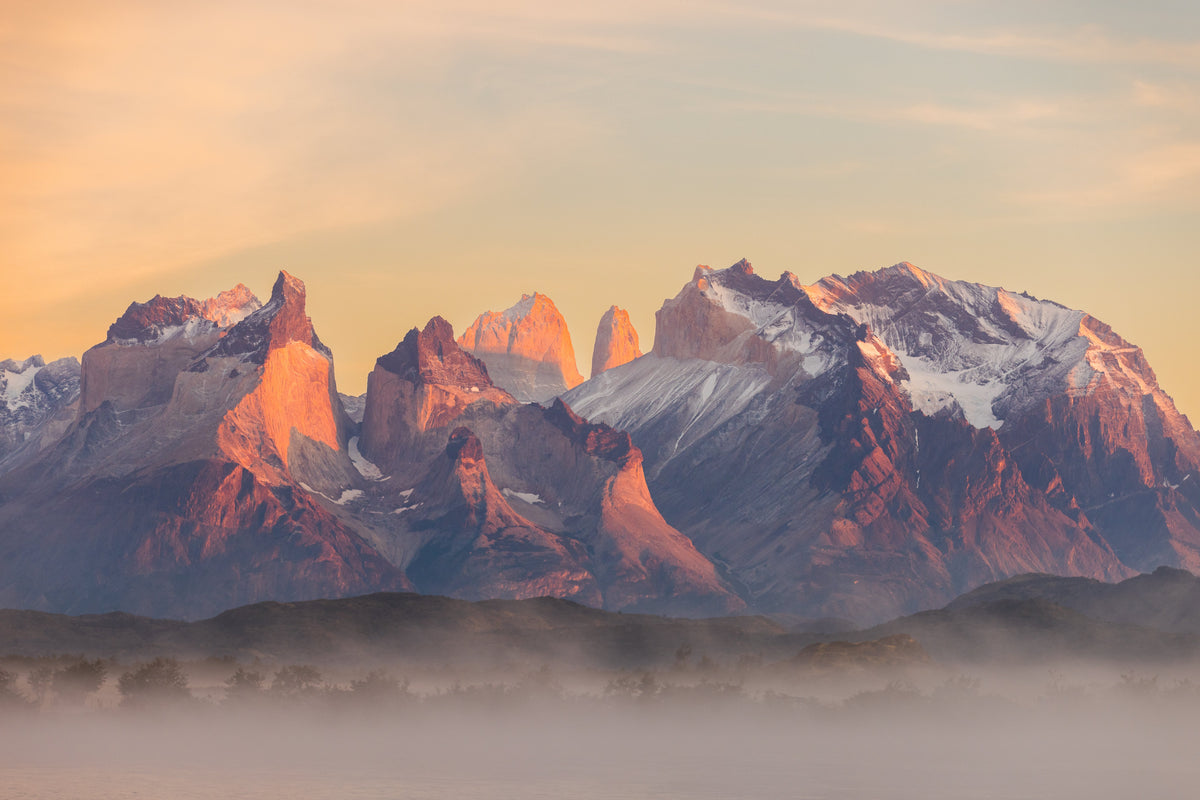
Warm glow in the highlights, cool shadows. Alpenglow on rock.


Shot, then one tap.
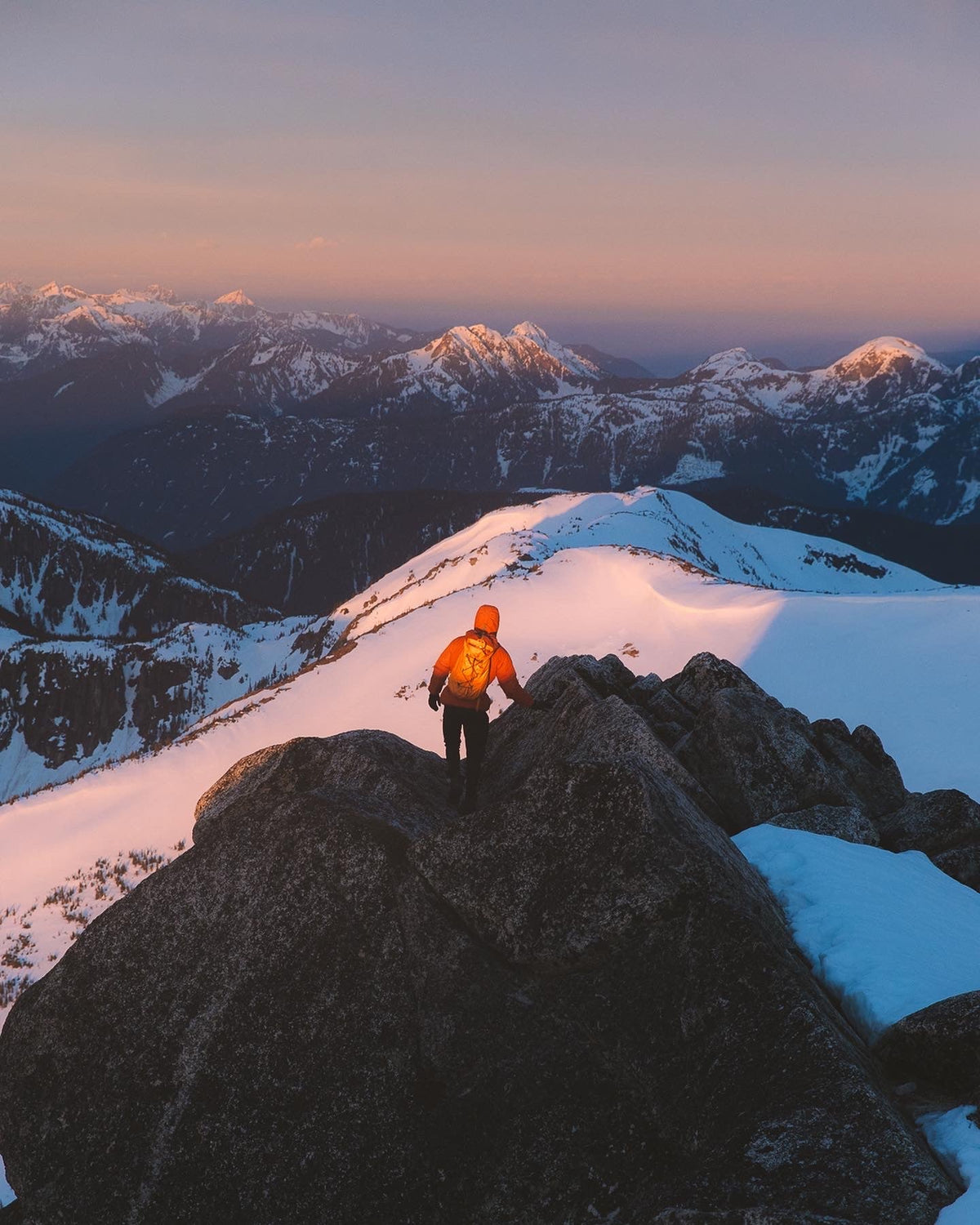
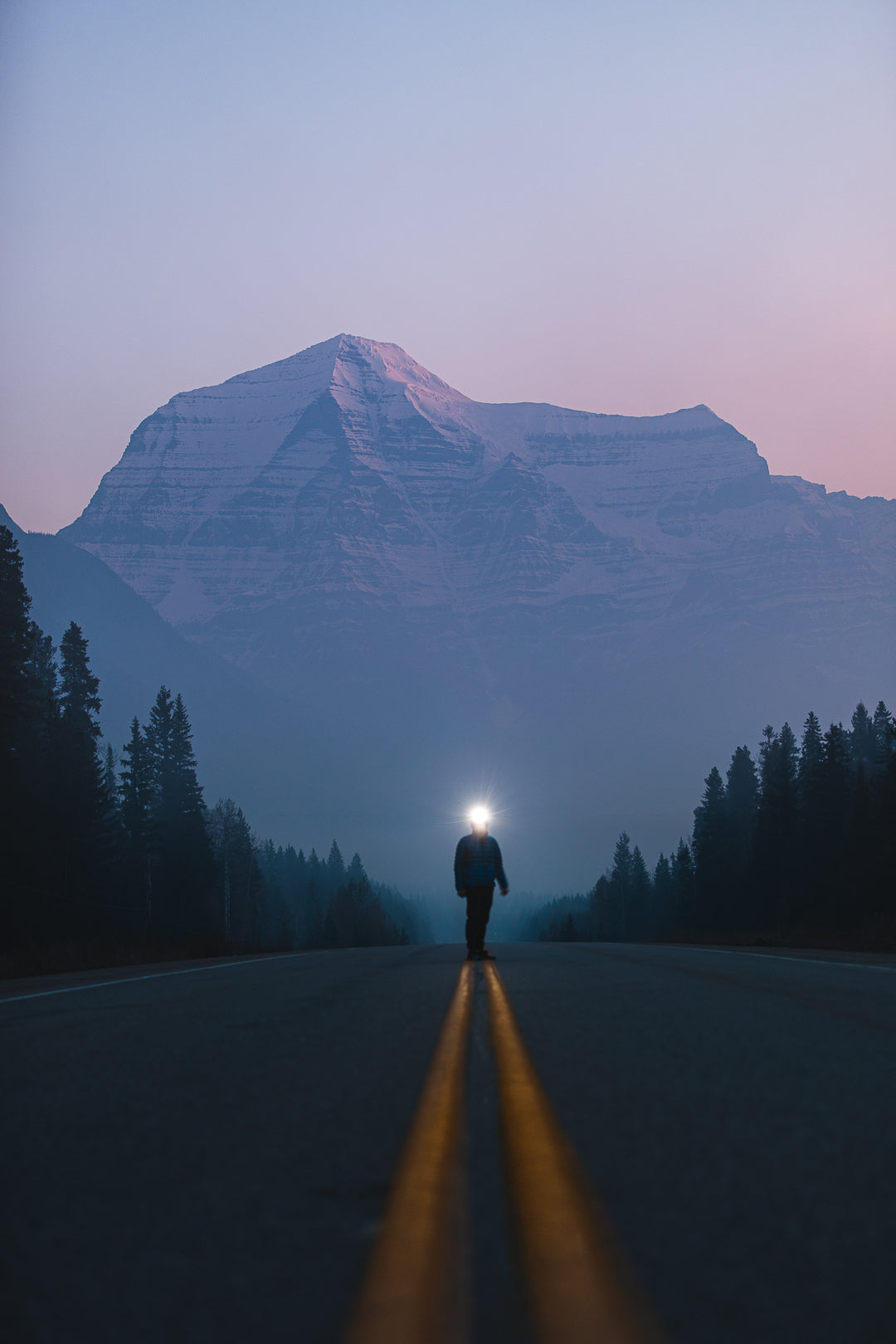
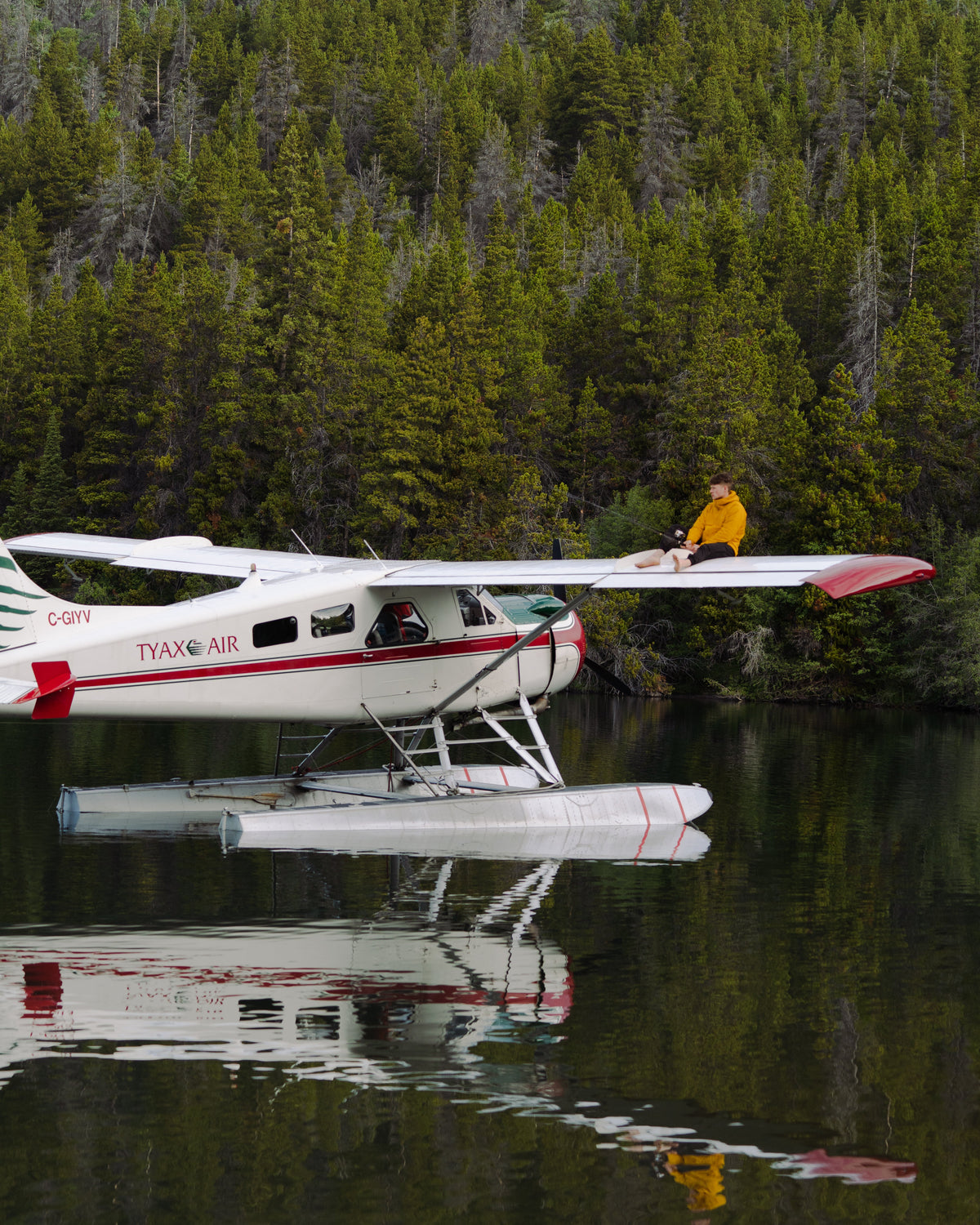
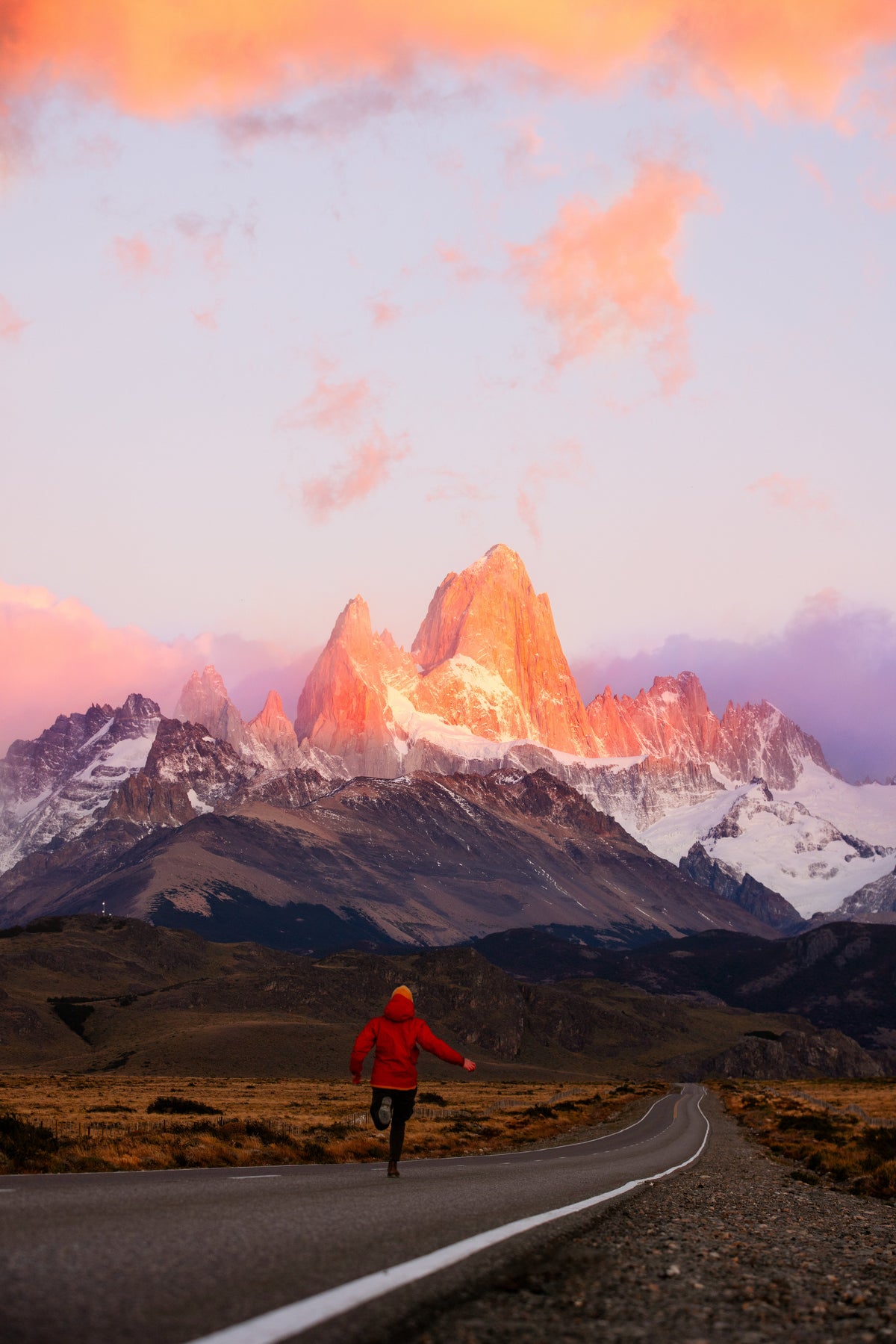
Real frames from real trips, graded with nothing but these presets. Click any to enlarge.
 SUMMIT GOLD
 EVENING SWIM
 STORM FRONT
 SUMMIT GOLD
 MT BAKER ALPINE
 BLUE HOUR
 BLUE HOUR
 TONE FIELDS
 TOFINO FOG
 MOUNTAIN SUNRISE
 MT BAKER ALPINE
 MOONLIT
 ROCKIES ALPENGLOW
 STORM FRONT
 STORM FRONT
Professional color
in just a few clicks.
Built for real workflows
Made on real shoots, not test charts. Drop it on and move on.
Natural, cinematic color
Skin stays skin. Skies stay skies. Just better.
Fast to use
One tap in Lightroom, one node in Resolve. No 40-minute tutorials.
Tested on real footage
Canon, iPhone and DJI, in rain, snow and sunrise.
What do you shoot and edit on?
Tap yours. Straight answer, no guessing at checkout.
✓Yes. Photos and video.
✓Yes, for photos.
✓Yes. Both packs.
✓Yes. No subscription needed.
✓Yes.
×Not these. Lightroom only for presets.
Which one? Side by side.
Same files, same quality in every pack. The bundle only changes how many looks you get for the money.
| Presets$49 | MOST POPULARCreator Bundle$79 | Master Collection$99 | |
|---|---|---|---|
| 14 Lightroom presets, mobile (.dng) + desktop (.xmp) | ✓ | ✓ | ✓ |
| 15 cinematic video LUTs (.cube) | — | ✓ | ✓ |
| Built for Canon, Sony, DJI and iPhone footage | — | ✓ | ✓ |
| Install guides for Lightroom, Resolve, Premiere, Final Cut, CapCut | ✓ | ✓ | ✓ |
| Alpine Look Guide PDF (which look for which light) | — | — | ✓ |
| Photo-to-video pairing chart | — | — | ✓ |
| Every future preset + LUT pack, free | — | — | ✓ |
| Lifetime updates to every file | ✓ | ✓ | ✓ |
| Instant download · lifetime updates | ✓ | ✓ | ✓ |
- ✓14 Lightroom presets, mobile (.dng) + desktop (.xmp)
- —15 cinematic video LUTs (.cube)
- —Built for Canon, Sony, DJI and iPhone footage
- ✓Install guides for Lightroom, Resolve, Premiere, Final Cut, CapCut
- —Alpine Look Guide PDF (which look for which light)
- —Photo-to-video pairing chart
- —Every future preset + LUT pack, free
- ✓Lifetime updates to every file
- ✓Instant download · lifetime updates
- ✓14 Lightroom presets, mobile (.dng) + desktop (.xmp)
- ✓15 cinematic video LUTs (.cube)
- ✓Built for Canon, Sony, DJI and iPhone footage
- ✓Install guides for Lightroom, Resolve, Premiere, Final Cut, CapCut
- —Alpine Look Guide PDF (which look for which light)
- —Photo-to-video pairing chart
- —Every future preset + LUT pack, free
- ✓Lifetime updates to every file
- ✓Instant download · lifetime updates
- ✓14 Lightroom presets, mobile (.dng) + desktop (.xmp)
- ✓15 cinematic video LUTs (.cube)
- ✓Built for Canon, Sony, DJI and iPhone footage
- ✓Install guides for Lightroom, Resolve, Premiere, Final Cut, CapCut
- ✓Alpine Look Guide PDF (which look for which light)
- ✓Photo-to-video pairing chart
- ✓Every future preset + LUT pack, free
- ✓Lifetime updates to every file
- ✓Instant download · lifetime updates
Questions? Covered.
No. You tap one preset in Lightroom (or drop one LUT on your timeline) and the grade is done. Nudge exposure if you want. That's it.
Presets are for photos: they live in Lightroom and change exposure, colour and tone in one tap. LUTs are for video: a .cube file you drop on a clip in Resolve, Premiere, Final Cut or CapCut. Same looks, two formats. If you shoot both, the Creator Bundle has them matched so your grid and your reels look like one person made them.
Instantly. The download button is on the order confirmation page and in your email the moment you pay. No codes, nothing to wait for.
Yes. Every preset comes as a .dng for the free Lightroom mobile app (iPhone + Android) and as an .xmp for Lightroom desktop and Lightroom Classic. A one-page install PDF is included for each.
DaVinci Resolve, Premiere Pro, Final Cut Pro and CapCut, plus anything else that takes a standard .cube file. They are built for Rec.709, so if you shoot a log profile, convert with your camera's own LUT first, then add a look.
Yes. Message me with your order number and you only pay the difference.
Because these are instant digital downloads, all sales are final. Before you buy, every look is shown on real footage, and the free sample LUT lets you test on your own clips. If a file is broken or won't install, email me and I'll fix or replace it.